Second- Insert the floppy into the 950
Turn switch 1 on the BOH board in the card rack on.
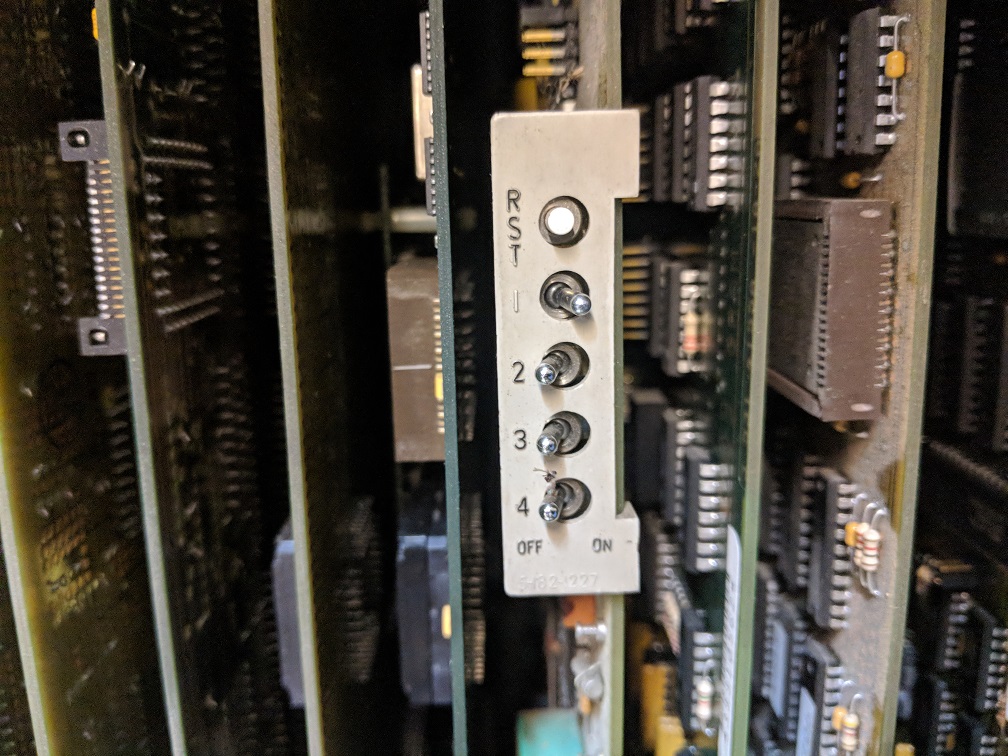
If the control is already on, press the reset button on the BOH to reboot it. If it's off, simply boot it up.
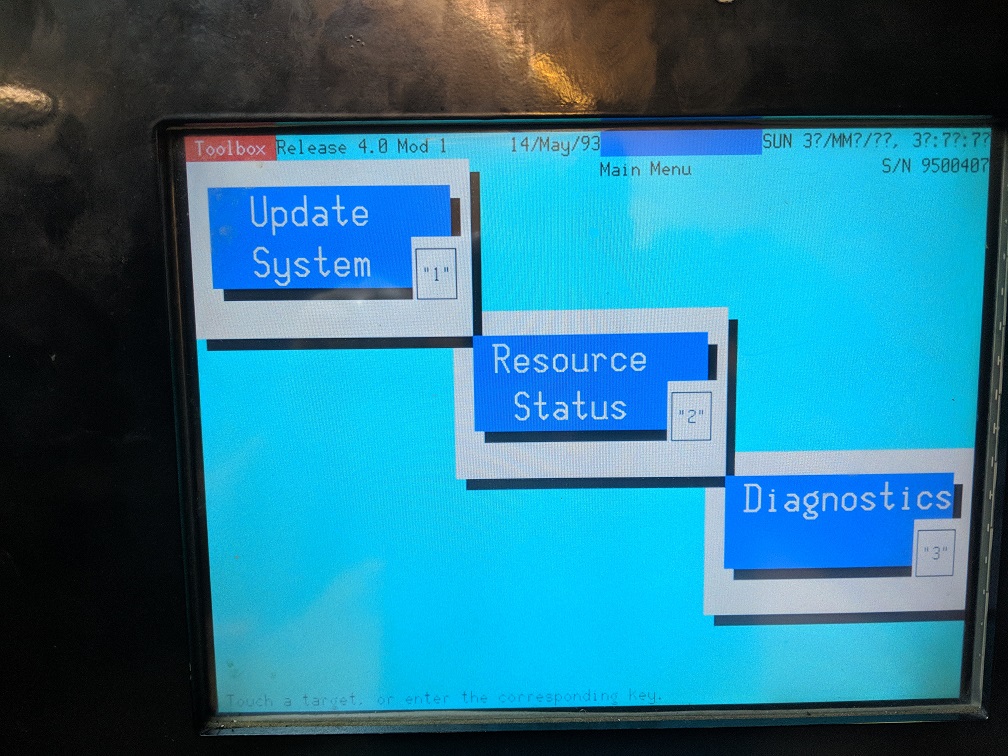
You will be at the Toolbox screen. Press "Update System" here.
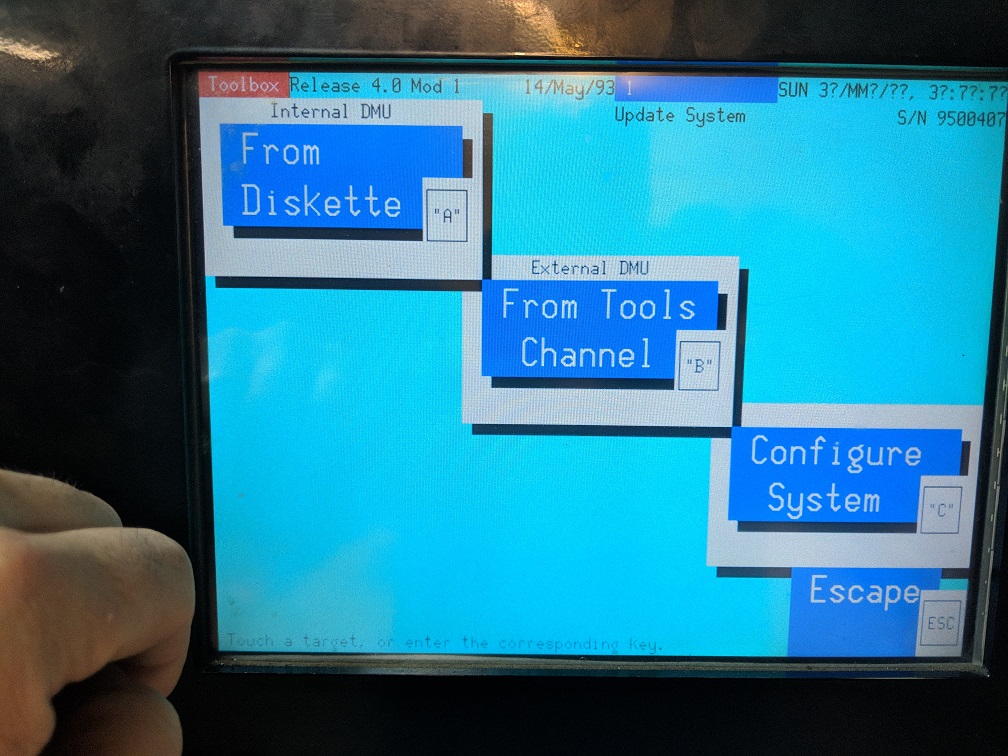
Press "From Diskette"
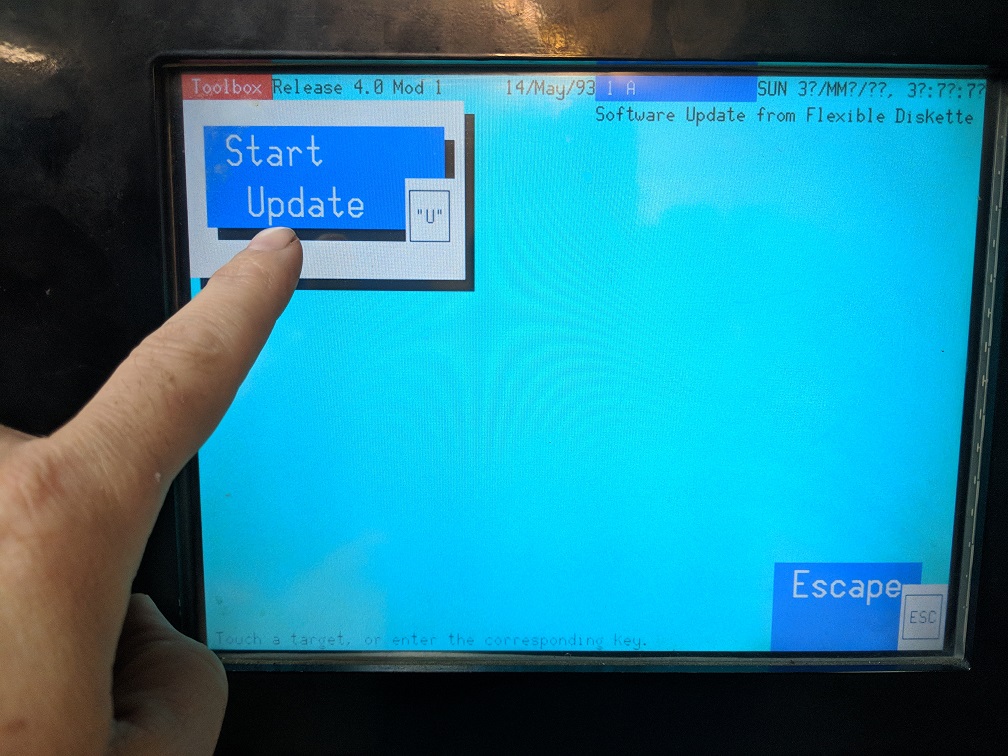
Press "Start Update"
You will see a yellow box asking for a floppy appear. Simply press any key - or escape to abort this.
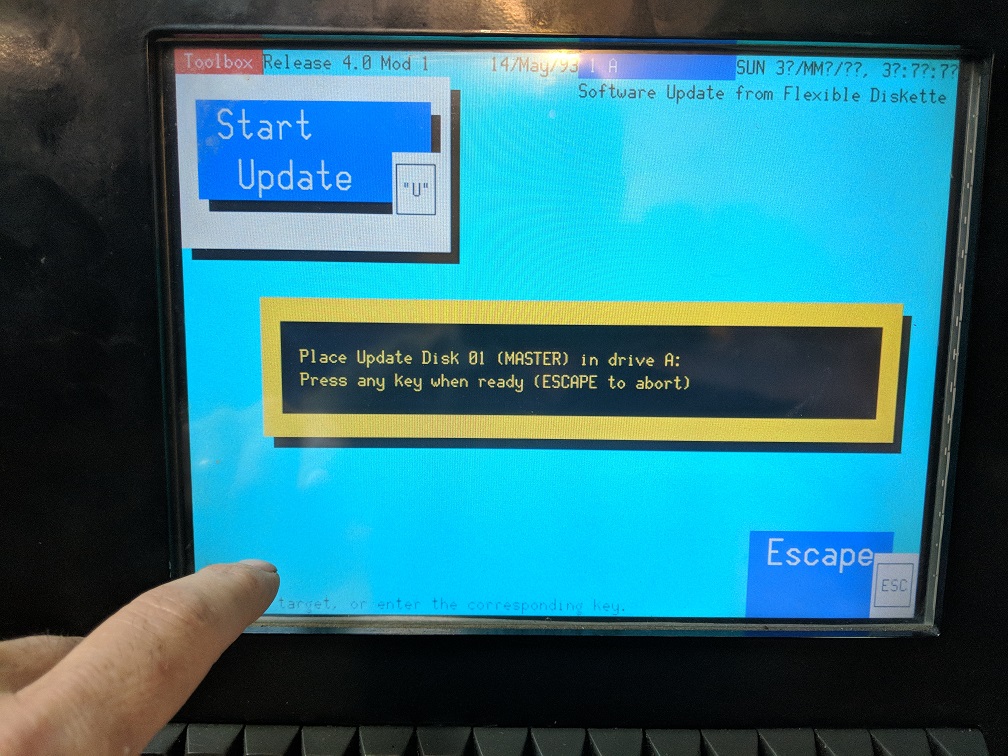
If the files are on the disk correctly, and the floppy disk of the control is functional, you will see another message here:
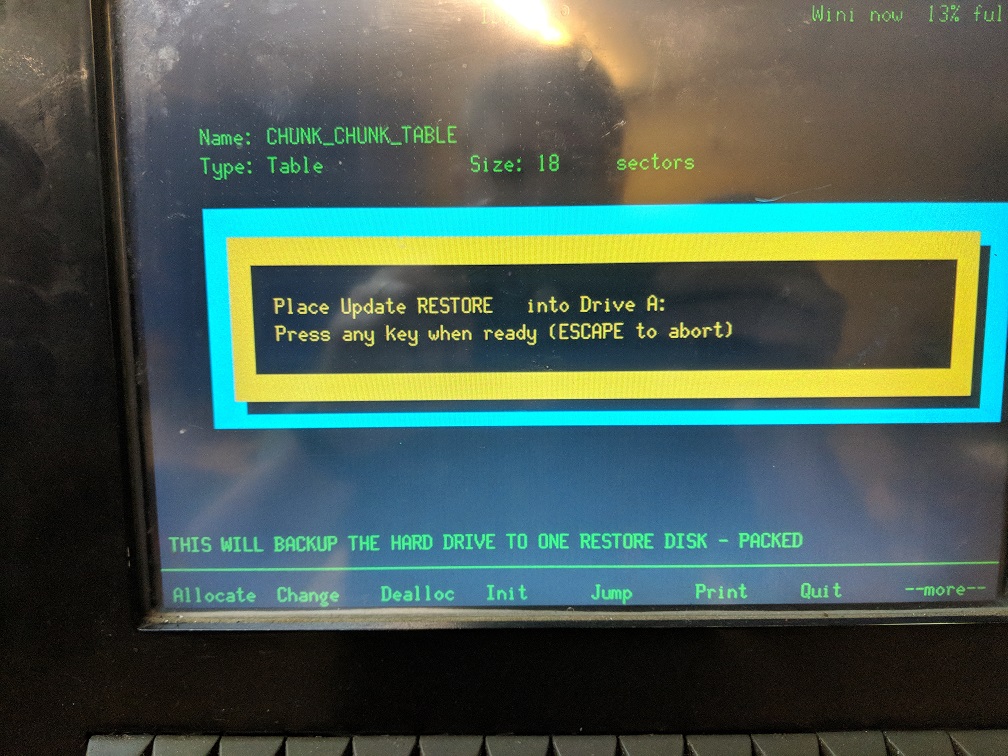
Remove the SAVE Disk and insert the RESTORE disk in at this point. Press any key again.
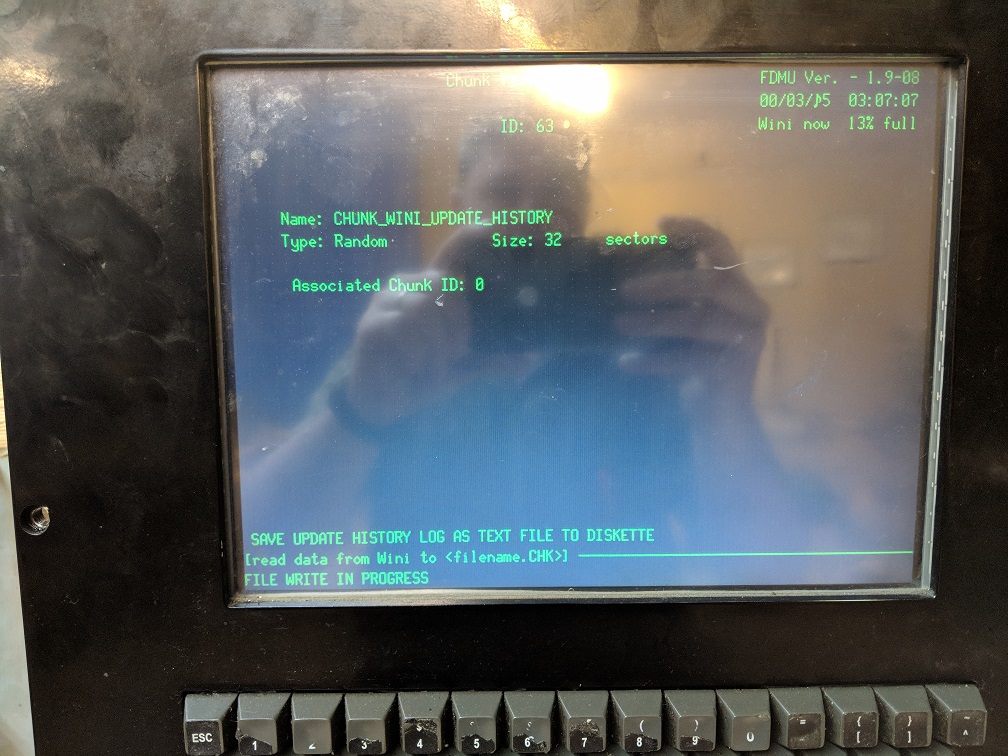
The control begins writing the backup data to the diskette. This DOES NOT GET PART PROGRAMS!
When the backup is complete you will be back at the main update screen. Simply turn off switch 1 and press reset to reboot the control.
What can go wrong:
If the control keeps asking for the RESTORE disk even after you have inserted it, one of 2 things is likely. The 950 looks for a file called RESTORE on the disk, as well as making sure the disk change switch in the floppy drive changed states. I have seen this switch stick over the years and you would never know it since the 950 only looks for this switch when doing backups or loading software.
Also - maybe the restore disk didn't get copied correctly from the PC. Make sure it has the 3 files on it.